Planning your next expedition and looking to share your journey and findings on social media? Or perhaps you’re looking to expand your professional network by leveraging your expedition story. When there are blogs, Instagram reels, infographic tweets, awareness campaigns, and a vast array of other social media options available, it all sounds like a lot to do. Fortunately, it’s not as difficult as it seems.
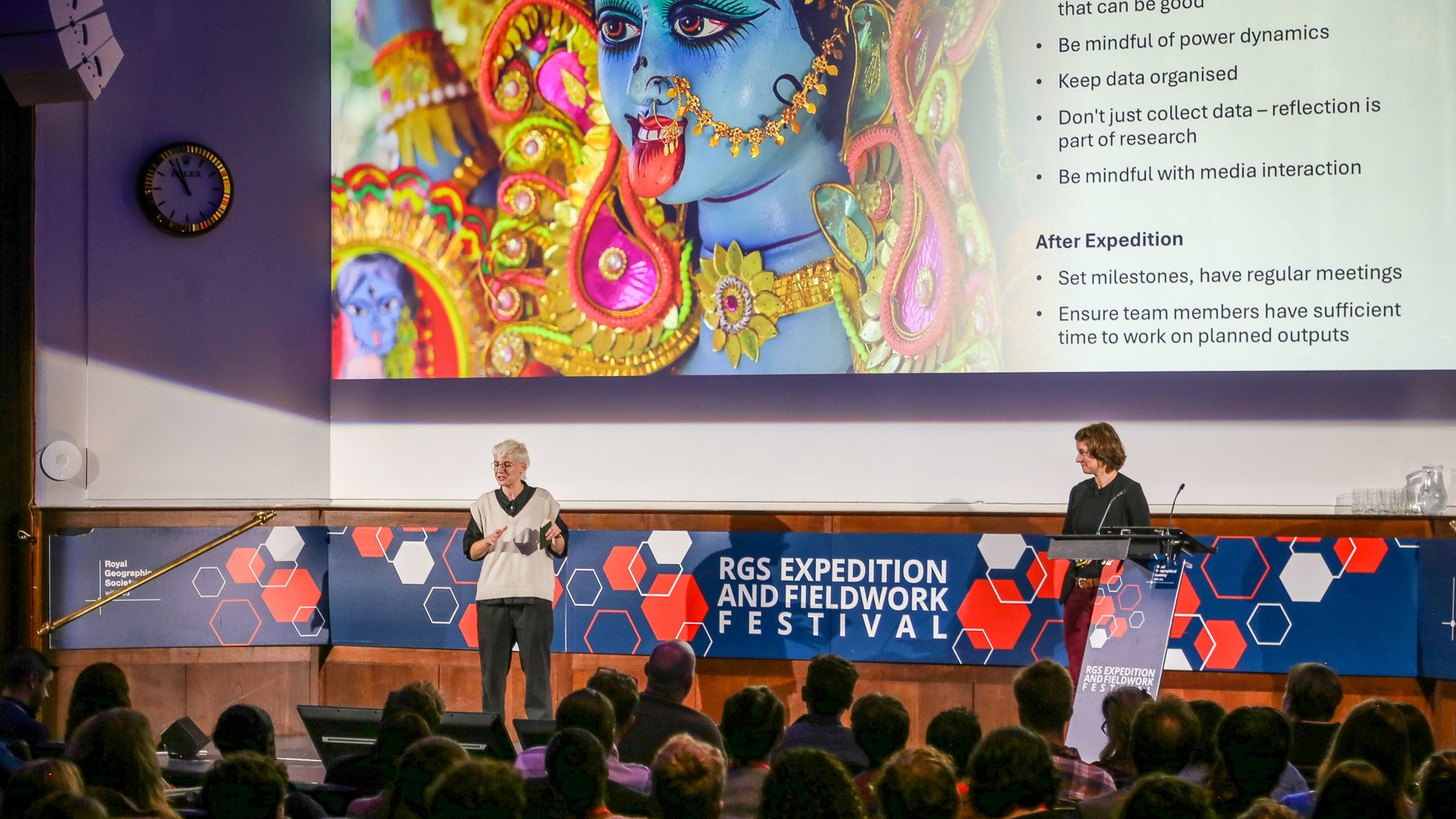
In this virtual talk given during lockdown for the annual RGS Explore Weekend in November 2021, conservation communicator Nina Seale discusses how to harness social media to further your expedition and fieldwork goals, with reference to the channels, trends and good practices that were relevant at the time of recording.
Whilst social media is an undoubtedly powerful tool, using it in the correct manner is essential to reach the targets you’re aiming for.
“Deciding which platform is best for your use is really key,” she says.
What does the video cover?
Nina has a wealth of experience in fundraising, digital media, and charity storytelling. From sharing which platform is the ideal choice for your own strategy, to whether you want to centre yourself or your organisation on your social media channels, or to connect with others who share an interest in your chosen field, Nina provides valuable insights that many years working in the conservation social media sphere brings.
From infographic best practises and where to find license-free visuals, to where your target demographic is most likely to be found, Nina takes the audience on a journey through the world of social media and how to effectively communicate and raise awareness to your cause.
Key moments
- 01:02 – What strategy works for you?
- 05:05 – What actions you can take
- 07:23 – How to pick the right platform
- 13:09 – Compelling visuals can make all the difference
- 15:01 – Understanding hashtags and best practises
- 16:41 – The lesser talked about aspect of accessibility
Full transcript
Hello everyone, and welcome to Top Tips for Social Media by me, Nina Seale. I am a conservation communicator. I’ve worked for various international wildlife conservation organisations such as Synchronicity Earth, World Land Trust, Conservation Optimism, Big Canopy Campout, and I work across a wide range of different mediums, but social media is one of my specialities. I am also a very keen traveller, and I’ve done my own fundraising.
I share my own blogs outside my work as well, so I’m very excited to be here with you today, telling you all about social media and how you can use it in your life as an explorer, scientist, science educator or science communicator. So let’s get started. We don’t have a lot of time.
My first top tip is about thinking about what you want to use social media for. It sounds like a no-brainer, but a lot of us, if we really enjoy using social media, use it quite naturally. If you don’t, and you want to start using social media professionally, then you do need to think about what you’re going to use it for and what you want to get out of it.
I’m sorry, I had to put some memes in here, because this is a social media webinar, so I apologise. There’s that, and there’s another one. So, what are you using social media for?
You may be using social media for your personal profile. You may be using it for networking. If you’re using it for that, then you need to be comfortable with centring yourself on your social media. Some people aren’t, and that’s absolutely fine. You can do a lot of things on social media without centring your own voice and your own face.
If a personal profile is something that you’re interested in, then this is great for you. Show your personality. Share selfies. Share pictures and videos from your travels and from the events that you go to, and talk about your passions. Talk about your opinions, share advice, and share your stories. That’s why people are following you as a person. That’s what you bring with your name and your face when you’re trying to build your own brand on social media.
I’ve shared Dwayne Fields here, who has excellent examples of this if you go and follow him on Instagram. All of these accounts are excellent environmental educator profile accounts to follow. I use lots of examples throughout this webinar, so I do recommend that you go and follow these people for best practice. Think about what they’re doing and how you can incorporate what they’re using into your own work: what might work for you and what might not.
Getting inspiration from other social media accounts is a big part of learning how to use social media.
Another use might be awareness raising or education. This is about sharing information, and what the best way to do that is. We’ve got Green Girl Leah here doing it on Instagram, which is a very visual platform. The centre of all content on Instagram is videos and photos, but you can also create infographics.
I’ll talk about it a bit later, but there’s a free tool you can use online called Canva. If you use that, you’re able to create really bright, good-looking graphics that can help share the message that you want to talk about.
You can link to blogs you’ve written and articles you’ve read. With Instagram, you can see that Green Girl Leah has a Linktree, which is a very useful tool if you’ve got multiple links that you want to send people to, to go and read and sign things.
Again, it’s to do with whether or not you want to centre yourself a little bit. If you’re comfortable being on camera, go live and interview people with experience and expertise. Share their stories. It can be a way to share your audience with someone else and help their audience find you.
You tend to find that when social media platforms bring out new tools, especially video-related tools, they will be pushing those the most. Even though you won’t see a lot of people using them yet, when you do use them, especially straight away, that’s what the platform is trying to get people to look at.
Being fast when these new tools are released is really important.
Next is action. When you want people to do something, they’ve learned from you, they’re familiar with you and they trust you. How do you send them to do the things that you want them to do? Maybe you want them to donate if you’re fundraising. Maybe you want them to sign a petition, share your message, or encourage lifestyle change.
I would say, try to sprinkle your content with calls to action rather than posting calls to action all the time. Leave large gaps between them so you don’t get your audience too tired of what you’re asking for. When you do have a call to action in a post, choose just one. Don’t ask people to do multiple things at once. It’s much clearer, and more likely that they’ll do it.
Make sure that the call to action doesn’t come out of the blue. It should be supported by everything else that you’re doing and talking about. This example is from Phoebe Smith, who is excellent on social media. She talks about wild camping a lot, so this isn’t a surprise for her followers. She has one very clear call to action: follow this link, read this article, and share the message.
I think that’s the end of the memes now. Oh no, here we go. We’ve got Dolly. Tip number two is: pick your platform.
Even though you’re representing the same person across all these platforms, you’re representing slightly different sides of yourself. Especially if you’re not very comfortable on social media or you don’t have a lot of time, it may be that you only use one or two platforms and concentrate your energy there. Changing content to fit each platform can take a lot of time.
Deciding which platform is best for your use is really key. LinkedIn is great for professional networking. If you want employers to notice you, or if you’re freelancing and want to get your services out there, it’s a very good place to be.
One of my tips for LinkedIn, and this works for other platforms too, is that the more time you spend interacting with other people’s posts, liking and commenting, the more likely LinkedIn is to show your own content to other people.
Instagram, as I said before, is highly visual. There are a lot of very successful courses being communicated on Instagram. You tend to get a millennial audience there, people in their late 20s and 30s, who are receptive to learning about courses on social media. It’s also good for lifestyle content and for sharing your stories and updates.
Facebook is how you can reach an older audience. I like Facebook a lot less as a platform these days. It’s become very crowded and doesn’t seem to know what it’s doing. It’s about to undergo quite a big rebrand, so we’ll see what that looks like.
At the moment, my key tip is that it seems to favour link-less content. It wants you to stay on the app. If you post photos, text or videos without links, Facebook is more likely to show that post to more people. If you’ve written a blog, take out a few snippets and post those with good images, rather than trying to get people to click out.
It also seems to be prioritising groups, so using groups and communities is a good way to use Facebook.
Twitter works very well when you’re wanting to connect to certain communities. I’m a conservationist and trained as a zoologist, so I find science Twitter very interesting. Conservation Twitter is a way of getting news straight from organisations and researchers. I’m also a writer, and I enjoy following certain hashtags and being part of the writing community.
Twitter is very much about conversations. I’d encourage you to follow people with similar interests and interact with their content. You’ll find that your own profile gets boosted as a result.
Then we have TikTok. TikTok is a bit of a mystery. I love watching it, but I can’t say I’ve produced a lot of fantastic content on it myself. The advantage is that there’s a young audience on there that you won’t find on other platforms: teenagers and people in their early 20s.
If you want to reach them, TikTok is a great platform. The trouble is that a lot of content competes for attention. Videos are often shown to a very small number of people at first, and if they don’t interact with it, it doesn’t get boosted. It’s a tricky platform and can take a lot of time.
If you enjoy TikTok and want to learn it, then by all means use it. Watch it, take notes, use trending music, stitch with other popular videos, and cross your fingers.
I’ll play a couple of videos now that I quite enjoyed, related to nature and conservation.
(Plays two TikTok clips)
Great. Tip number three is to use visuals: photos and videos. These examples are tweets, because Twitter is an easy one to think you don’t need visuals for. Actually, there’s a massive difference in engagement whenever you post a photo or a video.
The photos should represent what’s being said in the post, which is very important. You can see examples using graphics and multimedia. When using text on images or multiple images, try to keep it as simple as possible. Don’t make things look too busy.
If you’re struggling for images, look for Creative Commons images online. One good source of free, open images is Unsplash.
Next, hashtags. Hashtags are used primarily on Twitter and Instagram to connect posts about a particular topic or conversation. There are two main types: long-term hashtags, like #ConservationOptimism, and trending hashtags that are only relevant for a short time, like Halloween.
Twitter will tell you which hashtags are trending, and you can decide whether you’ve got content that fits. Social media days or weeks, like Trustees’ Week, tend to trend and can be anticipated with a social media calendar.
These are my rules of thumb. On Twitter, use zero to three hashtags. On Instagram, five to twenty. If you’re using a lot, consider putting them in a comment rather than the post. On Facebook, zero to two. On LinkedIn, three to five.
My final tip is about accessibility, which I don’t think enough people talk about. This is just the tip of the iceberg, and I recommend doing more reading if you create a lot of content.
The three main things I’d tell people are: turn on alt text and describe your images; use CamelCase in your hashtags, capitalising the first letter of each word; and caption your videos.
Captioning isn’t just about people who can’t hear the sound. Most people scroll without sound on. Captions also help people who struggle with accents or audio quality. Captioning all your content makes it more accessible for everyone.
That’s it: my top tips for social media. Thank you very much.
This transcript has been lightly edited for readability and web publication. The wording has not been substantively changed, and speaker meanings and intents have been preserved.
- Video
Doing good with your expedition with Meagan Neal
Learn how expeditions and fieldwork can help create a better world in novel ways by using the Sustainable Development Goals as a framework for impact.
- Article

Sharing your findings: how to write an enduring expedition report
Post-expedition reporting need not be a chore. Learn how to turn your findings into a comprehensive narrative that stands the test of time.
- Article
Getting started: a beginner's guide to expedition funding
Looking to fund your expedition? Discover effective and efficient approaches to secure the funding you need to launch your next field project.
Stay updated
Be the first to hear when new resources are launched by subscribing to our monthly exploration digest. You may also choose to receive other mailings from the Society.
- You will be asked to create a free RGS.org account if you haven't already done so.
- Once logged in, navigate to My preferences and select Exploration news, events and opportunities.