
Choosing your conference session format
Conference sessions can be in-person, online, or hybrid (limited availability). They can be structured in a variety of ways, from paper sessions and world cafés to split sessions, digital shorts, and more.
Conference session types
Plenary and journal-sponsored lectures
- In-person and livestreamed to virtual platform.
- Facility to submit questions live using online tool or platform.
- Recorded and uploaded to virtual platform, where they will be viewable by registered delegates for up to three months post-conference.
Journals and other sponsors wishing to organise livestreamed lectures at the conference should contact ac2027@rgs.org to discuss.
Organised and open sessions
These sessions may include live in-person or online formats, or asynchronous formats.
Live and in-person only
- People in a room
- Not recorded
Live online
- A virtual room
- Accessed through Zoom as the virtual platform
- Live presentations (recorded presentations an option)
- Potential to record
There will be physical spaces on the conference site where those attending in-person can sit to join live online-only sessions.
Live in-person with remote presenters
- Presenters in person and online
- Audience in person
- Online presenters joining via a Zoom virtual session
- Live presentations (recorded presentations an option for remote presenters)
Asynchronous content
We also recommend that session organisers consider formats that use asynchronous materials as part of live synchronous sessions.
- Upload supplementary content (recorded presentations, PowerPoint slides, PDFs of your paper, posters and more) to the virtual platform.
- Upload recommended reading, questions, or discussion topics in advance.
- Use the asynchronous Q&A to comment on uploaded content or recorded sessions.
- Upload of recorded sessions to watch on catch-up demand.
To make the most of asynchronous content:
- Ask presenters to upload recordings of their presentations and/or papers by a set date.
- Encourage attendees to review materials in advance.
- Use live session time to focus on discussing the presentations and papers.
Potential formats
We encourage a wide range of session formats, not limited to those listed below. If you have an idea for another session format, get in touch with us at ac2027@rgs.org

Paper sessions
Tips for planning a session of conference papers, ranging from keynote presentations to five-minute interactive short papers.
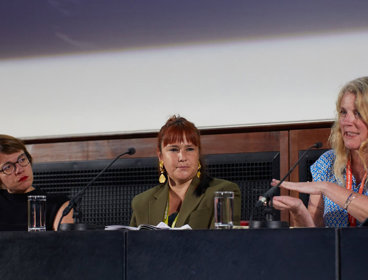
Panel sessions
Sessions of very short talks where presenters pitch ideas, outline a provocation, or briefly summarise current work.

Digital shorts
Series of short talks in which presenters pitch an idea, outline a provocation or summarise their latest work.
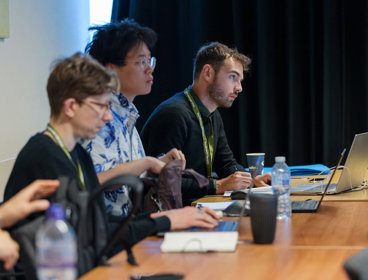
Split sessions
Session that combines a more traditional papers session with a second session of an interactive format.
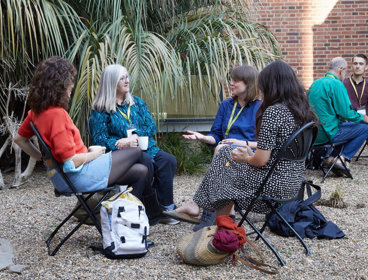
World cafe
Tips for organising a café-style session that encourages sustained discussion and conversation across multiple topics.
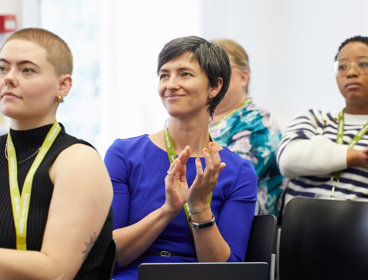
Roundtables
Recommendations for a session that engages the audience from the start around a central theme, with expert- or audience-led discussion.

Work in progress
Tips for a session format where participants workshop a work-in-progress in small groups to address a specific question or challenge.

Speed networking
Ideas for a dynamic session where participants discuss a topic in rotating 1:1s before moving to in-depth discussion in smaller groups.

Collaborative sessions
Hints and tips for session organisers interested in working with non-academic contributors.
These guides have been developed by the conference organisers, the Participatory Geographies Research Group (PyGyRG), and the Digital Geographies Research Group (DGRG).